

Salesforce Business Card Integration: Connecting CRM Data to Business Card Ordering
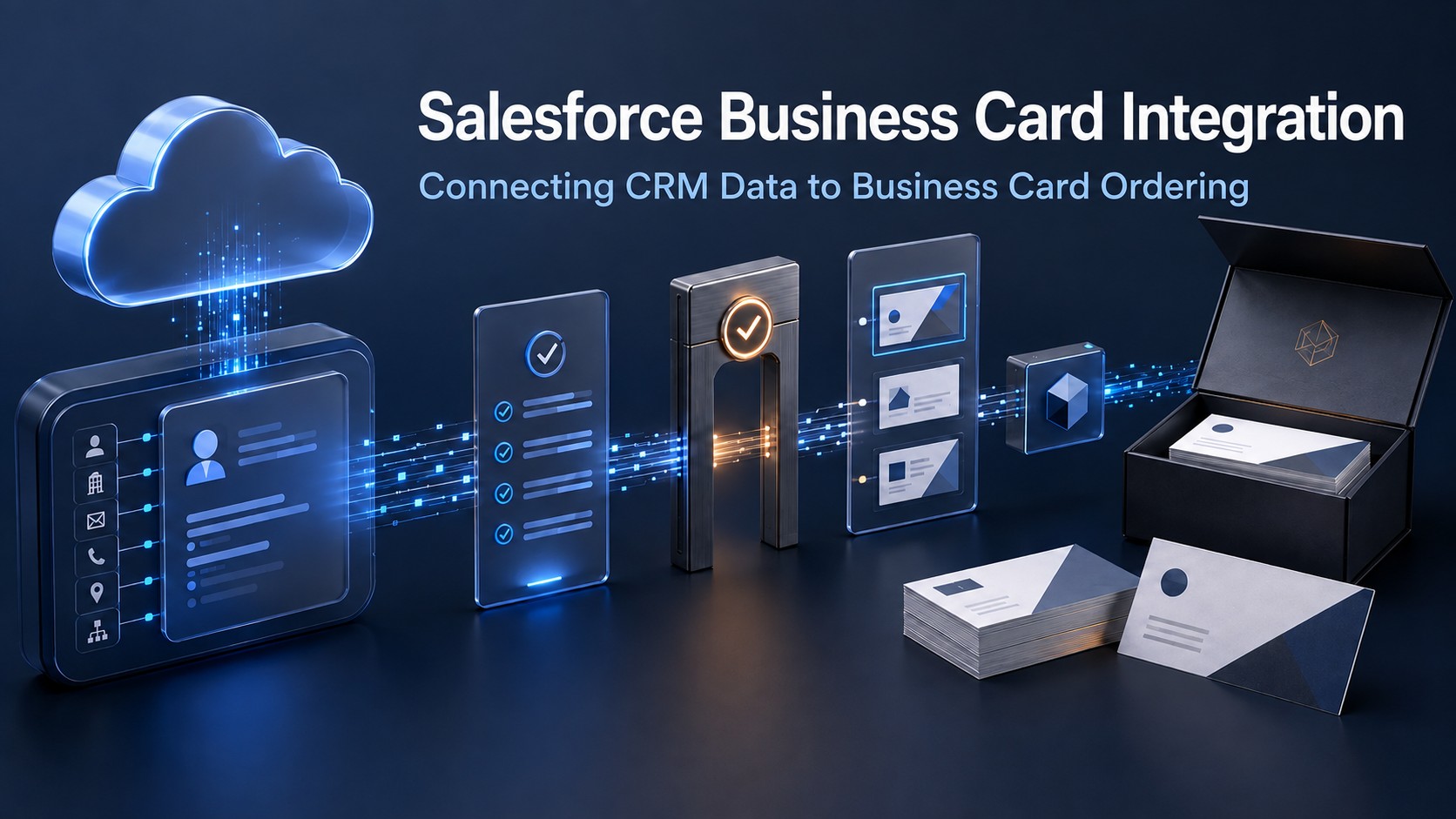
| EXECUTIVE PERSPECTIVE A Salesforce business card integration should do more than transfer contact fields. Its value is to connect trusted sales-team data with governed ordering—so customer-facing employees receive accurate, brand-compliant cards through a controlled, visible process. |
CRM Data Should Not Stop at the Sales Platform
A Salesforce business card integration connects CRM data to the business card ordering process so sales representatives, account leaders, field teams, and other customer-facing employees can move from trusted records to controlled requests. For medium and large organizations, this is not simply a convenience feature. It is an operational link between the system used to organize commercial activity and the system used to execute a visible element of employee identity.
Without that link, business card information is often retyped into emails, forms, spreadsheets, print portals, or vendor templates. The same employee name, role, office, telephone number, territory, and brand affiliation may be interpreted repeatedly by different people. Each handoff increases the chance of an outdated title, incorrect location, unauthorized template, duplicate order, or request that bypasses policy.
Business Card Manager (BCM) addresses this execution gap. Salesforce supplies relevant business context; BCM turns approved data into a governed ordering workflow. The integration creates the connection, while BCM remains responsible for the controls that determine who may request, approve, order, and track business cards.
Why Salesforce Is a High-Value BCM Integration
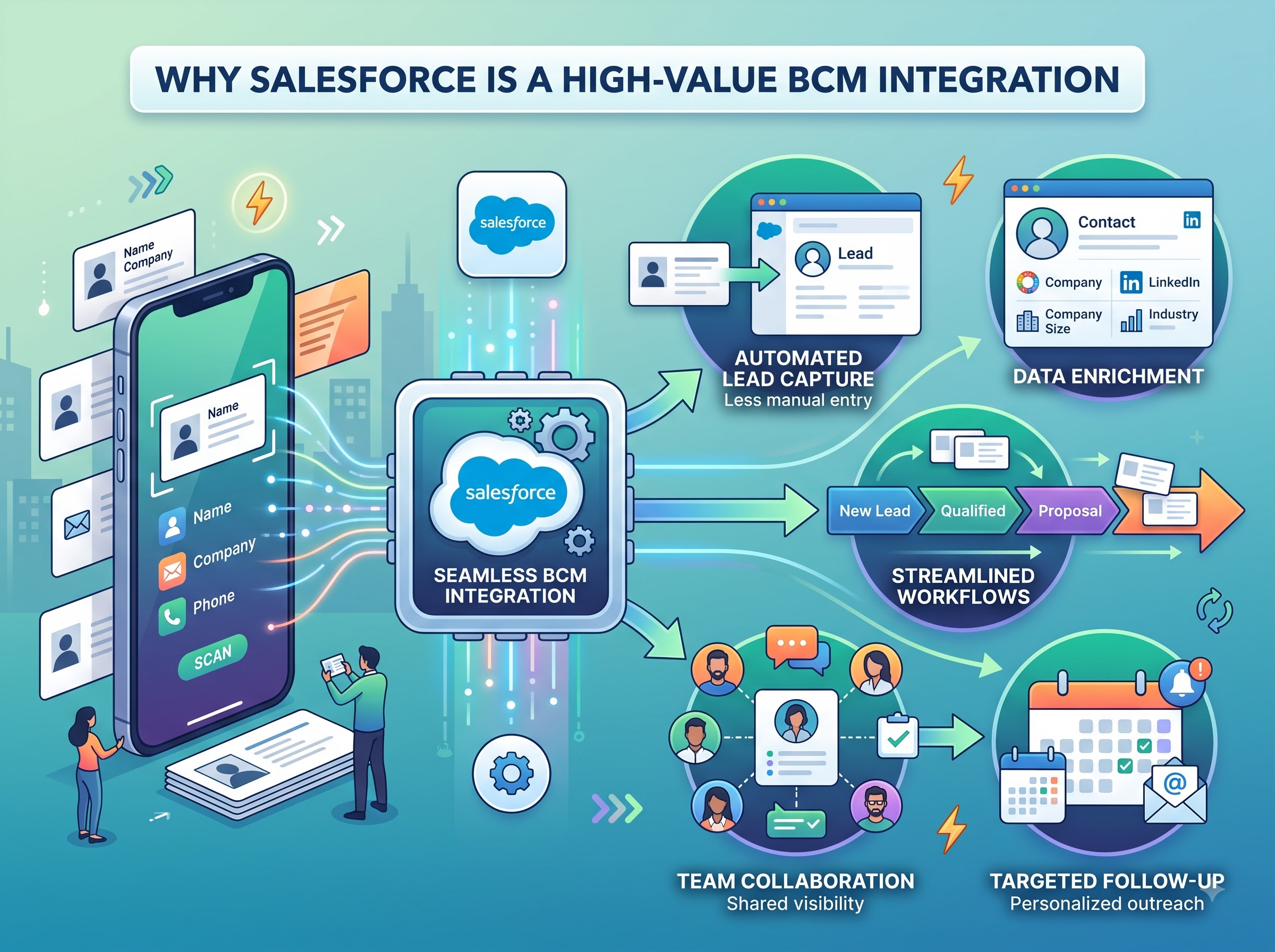
Salesforce is already connected within the BCM integration roadmap, making it the strongest proof point for the platform’s broader API-connected strategy. The business value comes from aligning business card ordering with the data and organizational context used by sales operations—not from positioning the CRM as a print-production system.
- Reduce re-entry by making approved CRM data available to the ordering workflow.
- Support consistent employee, team, account, territory, and location context where those fields are governed and appropriate for the use case.
- Route requests through BCM approval rules before production or fulfillment.
- Apply centrally controlled templates, brand standards, permissions, and ordering policies.
- Create clearer reporting across requests, users, business units, locations, and order activity.
- Provide a scalable operating model for distributed sales teams without giving every user uncontrolled access to vendors or artwork.
The important principle is separation of responsibilities. Salesforce can provide relevant source information and commercial context. BCM governs the business card transaction. Color Card Administrator (CCA), where deployed as the enterprise authority layer, can define broader policy, identity, and governance requirements. This preserves the ecosystem model: CRM data informs the request, BCM converts the request into controlled execution, and CCA strengthens enterprise authority where required.
What the Connected Workflow Looks Like
A well-designed integration follows a governed sequence rather than sending every CRM change directly to production. The exact field mapping, trigger, approval path, and synchronization method should be configured to the organization’s Salesforce model and BCM policies.
- Identify the eligible user or request context. A permitted event or user action identifies the employee, team, office, account context, or business need associated with a card request.
- Retrieve approved source data. Only the fields authorized for the ordering use case are made available. Data ownership, permitted values, required fields, and synchronization rules are defined before automation is enabled.
- Validate the request in BCM. BCM checks completeness, access rights, template eligibility, location rules, quantity limits, and other configured policies. Missing or conflicting data is held for correction instead of passing silently to fulfillment.
- Apply approval and template controls. The appropriate manager, marketing owner, administrator, or delegated approver reviews the request when policy requires it. Locked templates protect logos, typography, legal lines, layout, and other brand elements.
- Release the authorized order. Only the approved version proceeds to the selected production and fulfillment workflow. Changes after approval can be routed for revalidation when they materially affect the order.
- Preserve status and reporting. Request, approval, order, and fulfillment information remains visible in BCM, giving authorized teams a more reliable view of what was requested, approved, produced, and delivered.
The Data Governance Questions That Matter
Integration quality depends on governance decisions made before field mapping. Enterprise teams should define which system owns each data element, which Salesforce records are eligible, and which values may appear on a physical identity asset. A field that exists in CRM is not automatically approved for printing.
| Control area | Enterprise question | Governed response |
|---|---|---|
| Source authority | Which system owns the employee value? | Define field ownership and conflict rules before synchronization. |
| Eligibility | Who may initiate a card request? | Limit requests by role, team, location, status, or other approved criteria. |
| Field use | Which CRM fields may appear on a card? | Map only approved fields and protect sensitive or irrelevant data. |
| Change control | What happens when a title or office changes? | Apply validation and reapproval rules to material changes. |
| Evidence | How is the final order reconstructed? | Preserve source, request, approval, version, and fulfillment records. |
Operational Benefits for Sales, Marketing, and Administration
For sales operations, the integration reduces avoidable administrative work and gives distributed teams a consistent request path. Employees do not need to interpret artwork specifications or coordinate directly with multiple vendors. The process can begin with familiar business context and continue through a governed BCM workflow.
For marketing and brand governance teams, centralized templates and approval rules reduce the risk that local urgency creates unauthorized designs. Marketing can manage the identity standard without manually rebuilding every order. Exceptions—such as a special legal designation, bilingual card, regional address, or temporary role—can follow an explicit review path.
For procurement and finance, centralized ordering improves visibility into quantities, vendors, cost allocation, duplicate demand, and program-level spend. Enterprise administrators, access and reporting can be aligned with organizational responsibilities rather than shared logins or informal email chains.
For leadership, the larger benefit is repeatability. A sales organization can add teams, territories, brands, or locations without recreating the ordering process for every expansion. Standard controls travel with the workflow, while approved variations remain manageable.
Controls That Should Remain Inside BCM
CRM connectivity should not remove the control points that protect enterprise identity execution. BCM should continue to govern the ordering decision through configured rules such as:
- role-based access to accounts, templates, locations, and ordering actions;
- required-field validation and permitted-value controls;
- managerial, marketing, administrative, or budget approval paths;
- locked brand templates and location-specific variations;
- quantity limits, reorder rules, and duplicate-request checks;
- order status, reporting, audit history, and exception ownership.
This boundary is what turns integration into operational infrastructure. The CRM supplies context; the business card platform applies ordering logic; the organization retains authority over identity governance, brand, spend, and fulfillment.
Implementation Priorities for Enterprise Teams
Begin with one clearly defined user group, such as an enterprise sales team or customer-facing division. Document the current request path, data owners, template rules, approvers, vendor responsibilities, and required reporting. Then define the minimum integration scope that removes re-entry without weakening control.
Field mapping should be explicit. Teams should identify required and optional values, permissible transformations, null handling, duplicate rules, update timing, and the response to conflicting records. Security review should confirm least-privilege access, credential management, logging, and retention requirements. Testing should include new requests, changed records, rejected approvals, incomplete data, duplicate attempts, integration failures, and post-approval changes—not only the successful path.
Finally, establish outcome measures. Useful indicators include data-correction rate, approval cycle time, duplicate-order rate, percentage of orders using approved templates, exception volume, fulfillment visibility, and time spent on manual coordination. The objective is not merely to prove that two applications exchange data. It is to prove that the connected process produces more accurate, controlled, and measurable outcomes.
From CRM Connectivity to Controlled Identity Execution
Salesforce organizes essential commercial data and activity. Business Card Manager converts relevant, approved context into a controlled business card ordering process. Together, they can reduce fragmented handoffs while improving consistency for the customer-facing workforce.
The strategic advantage is not automatic printing. It is governed execution: trusted inputs, clear permissions, controlled templates, appropriate approvals, visible fulfillment, and evidence that the organization can review. That is how a Salesforce business card integration becomes part of an enterprise operating model rather than another isolated connector.
| Connect Salesforce Data to a Governed Business Card Workflow Explore how Business Card Manager can support controlled requests, approvals, templates, ordering, and reporting for enterprise sales teams. Request a BCM demonstration and integration-fit discussion at https://www.businesscardmanager.com/. |